
How to sand wood smoothly with power sander comes down to two things most people overlook, grit progression and control, not “more pressure” or “more time.” If you keep getting swirl marks, scratch lines that won’t disappear, or edges that look chewed up, it’s usually a setup problem, not a skill problem.
A power sander can make wood feel furniture-smooth fast, but it can also lock in scratches quickly, especially if you skip grits or rush the last passes. The upside is that once you understand what each grit is supposed to do, you stop guessing and your finishes start looking intentional.
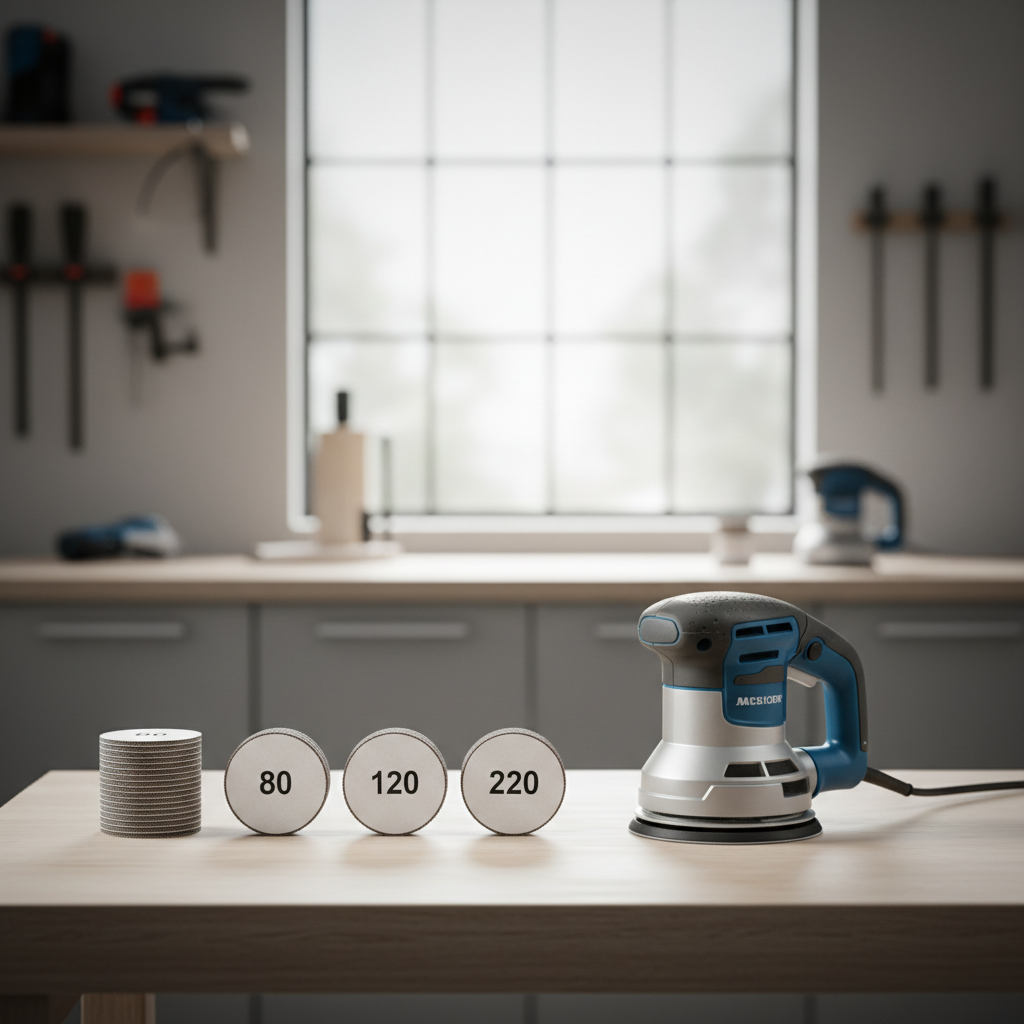
This guide focuses on getting a smooth surface that actually looks smooth after finish, because plenty of boards feel fine to the hand and still telegraph scratches once stain or clear coat hits. You’ll get a practical grit plan, a quick self-check list, and a few habits that prevent rework.
Pick the right power sander (and when it matters)
Most DIYers in the U.S. use a random orbital sander for general woodworking, and that’s usually the safest choice for smooth results. A sheet (finishing) sander can also work well, but it’s slower at flattening and can leave more obvious straight-line scratch patterns if you’re not careful.
- Random orbital sander (ROS): Best all-around option for most sanding stages, especially removing milling marks and blending between grits.
- Finishing/palm sander: Good for light sanding, between coats, and tight control on flat areas, but not ideal for heavy stock removal.
- Belt sander: Useful for flattening and fast removal, but it’s easier to create dips and waves. Many projects don’t need it.
- Detail sander: Great for corners and profiles, not for making a large panel uniformly smooth.
If your goal is “smoothly” with fewer surprises, start with a ROS, use quality discs, and keep the tool flat. That combo solves a lot of headaches.
Grit progression: where smooth sanding usually goes wrong
The fastest way to ruin a sanding job is skipping too far between grits. Each grit has one job, remove the scratches from the previous grit. If it can’t, you end up polishing deep scratches instead of removing them.
A practical grit chart you can actually follow
Use this as a baseline, then adjust based on wood species, surface condition, and finish type.
| Situation | Start Grit | Progression | Typical Stop Grit |
|---|---|---|---|
| Rough lumber, heavy milling marks | 60–80 | 80 → 120 → 150/180 | 180 (220 for clear coat) |
| Factory-surfaced boards | 120 | 120 → 150 → 180 | 180–220 |
| Plywood/veneer panels | 150 | 150 → 180 | 180 (be cautious at 220) |
| Between finish coats | 220–320 | Light pass only | 320 (varies by finish) |
Key idea: your “stop grit” depends on finish. Many stains and oils don’t love super-high grits on some woods because burnishing can reduce absorption, so 180 is often a safe stopping point before stain, while 220 can be nice for clear coats on many projects.
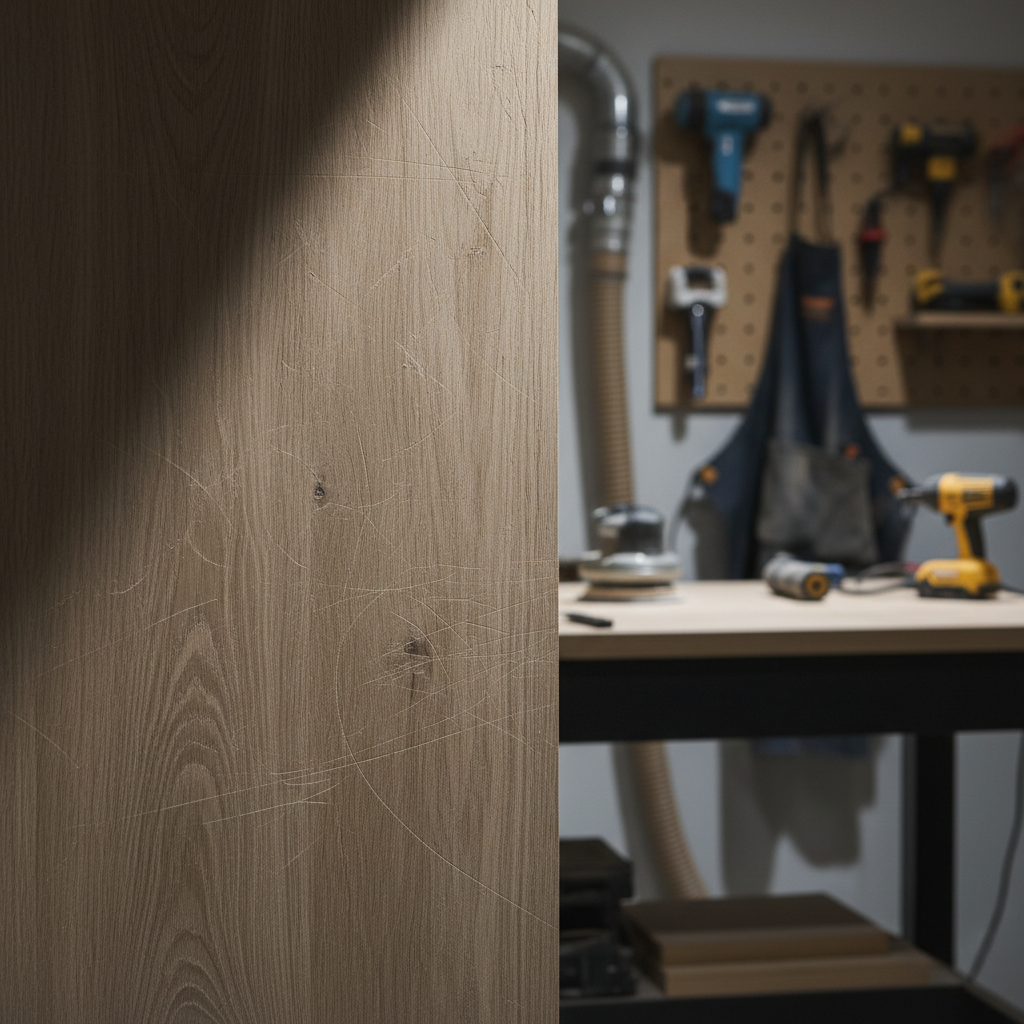
Also, change discs sooner than you think. A clogged disc stops cutting and starts rubbing, which can add heat, burnishing, and stubborn patterns that keep showing up no matter how long you sand.
Prep that saves time: flattening, cleaning, and marking the surface
Before you turn the sander on, take 60 seconds to set yourself up for an even surface, because uneven sanding is usually uneven prep.
- Secure the workpiece: If the board shifts, you’ll tilt the sander without noticing.
- Check for glue squeeze-out: Dried glue sands differently and can leave shiny “finish rejects.” Scrape it first.
- Mark with pencil: Light scribbles across the surface act like a progress indicator; when the marks disappear evenly, you’re sanding evenly.
- Dust control ready: Hook to a shop vac or dust extractor if possible. According to OSHA, wood dust can pose health risks, so controlling dust and wearing a respirator is a sensible baseline in many shops.
If you’re trying to figure out how to sand wood smoothly with power sander and it never looks consistent, the pencil trick is often the “oh, that’s why” moment.
Technique that produces smooth surfaces (without fighting the tool)
Most sanding problems come from pressing too hard, moving too fast, or tipping on edges. The tool should do most of the work, your job is to keep it stable and methodical.
Step-by-step method for a random orbital sander
- Start flat: Set the sander on the surface before pulling the trigger, and let it stop spinning before lifting.
- Light-to-moderate pressure: Enough to keep full pad contact, not enough to stall the orbit. If the sander bogs down, back off.
- Slow, overlapping passes: Think “mowing the lawn,” overlap about 50% each pass.
- Keep it moving: Pausing in one spot can create low spots or heat marks.
- Finish with a lighter pass: On each grit, do a final pass with less pressure to refine the scratch pattern.
Edges and corners: the swirl-mark factory
Edges sand faster than faces, so they’re where “oops” happens. Two habits help a lot, don’t hang the pad off the edge, and don’t linger. If you need softened edges, do it intentionally with a couple controlled passes, not accidental rounding from tilt.
Quick self-check: why your wood still doesn’t look smooth
If the surface feels okay but looks rough under light, it’s typically one of these. This checklist helps you diagnose before you waste another hour.
- Swirl marks show after wiping with mineral spirits: You likely skipped a grit, moved too fast, or used a worn/clogged disc.
- Shiny patches: Often glue contamination, or burnishing from too much pressure or a dead disc.
- Random deep scratches: Grit contamination, a torn disc, or debris stuck to the pad.
- Wavy reflections on a tabletop: Over-aggressive sanding with a coarse grit, or using a belt sander without a flattening plan.
- Veneer “sand-through” risk: Starting too low or staying too long in one area on plywood.
Simple test: After your “final grit,” vacuum, then wipe with mineral spirits (or denatured alcohol for some situations) to preview what finish will reveal. Use ventilation and read product labels, and if you’re unsure about compatibility with your finish, ask the manufacturer or a paint pro.
Practical sanding workflows for common projects
People search how to sand wood smoothly with power sander because the advice online can feel abstract. Here are workflows that match real DIY scenarios.
Workflow A: stained hardwood tabletop
- Flatten and remove marks: 80 or 100 grit (only if needed)
- Refine: 120 grit, then 150
- Pre-stain stop: 180 grit for many hardwoods
- Optional: light hand-sand with the grain at 180 to reduce visible cross-scratch
If stain looks blotchy on woods like pine, maple, or cherry, sanding is only part of it. A conditioner or seal coat may help, and testing on offcuts beats guessing.
Workflow B: painted furniture (you want smooth, not glassy bare wood)
- Scuff and level: 120–150 grit
- Fill and spot-sand: 180 grit
- Primer, then sand primer lightly: 220–320 grit (light pressure)
Workflow C: plywood shelves or cabinets
- Start gentle: 150 grit
- Refine: 180 grit
- Stop early if veneer feels thin or you see color change, that’s a warning sign

Mistakes to avoid (they waste the most time)
- Skipping grits to “save time”: Usually costs more time because you chase scratches at the end.
- Too much pressure: Creates pigtails, slows cutting, adds heat, and can make the pad wobble.
- Not cleaning between grits: A stray coarse grain can carve deep lines at the next grit.
- Using cheap, inconsistent discs: Many budget packs vary a lot, which makes results unpredictable.
- Sanding end grain like face grain: End grain can need extra steps and often benefits from higher grits or a sealing approach, depending on finish.
Key takeaway: smooth sanding is mostly process control. When you lock in a repeatable grit plan, the surface becomes predictable.
Safety and when to get extra help
Power sanding creates fine dust, and some wood species can irritate skin or lungs. According to CDC/NIOSH, controlling airborne dust and using appropriate respiratory protection can reduce exposure risks, so a fitted respirator (not just a loose mask) is worth considering for many shops.
- Use dust extraction when possible, even a basic shop vac improves visibility and cut quality.
- Wear eye and hearing protection since sanders run loud and throw debris.
- Be cautious with old finishes on refinishing jobs; if you suspect lead paint, stop and consult a qualified professional or follow local guidance.
If you keep getting uneven surfaces on large tabletops, or you’re flattening panels for joinery, it may be worth asking a local woodworker or cabinet shop about drum sanding, wide-belt sanding, or surfacing services. Sometimes paying for one flattening pass saves days of frustration.
Conclusion: a smoother finish starts before the finish
If you want cleaner results fast, treat sanding like a sequence rather than a single step, pick the right start grit, don’t skip the middle grits, keep the sander flat, and clean between changes. That’s the real answer to how to sand wood smoothly with power sander in day-to-day woodworking.
Your next action is simple, choose a grit progression for your project, run a pencil-mark test, and do a quick mineral-spirits wipe before committing to stain or clear coat. It’s a small pause that can prevent a big redo.